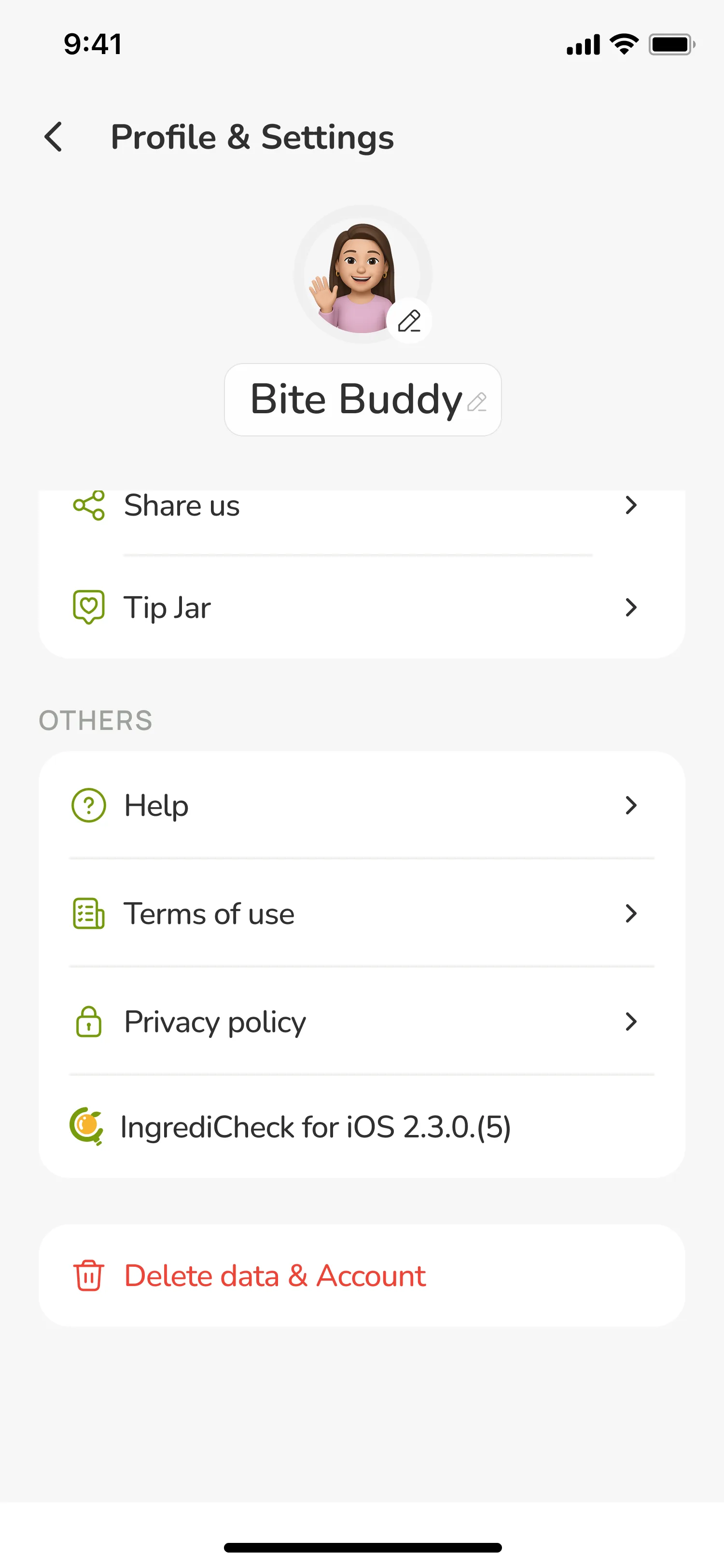
Delete Data & Account
You can request deletion of your IngrediCheck account directly from within the mobile app. Follow the steps below to remove your profile, saved preferences, and any data stored on your device.
Delete your account in the app
- Open the IngrediCheck app on your device.
- Tap the settings icon on the home screen to open Settings.
- Scroll to the Account section. If you signed in with Google or Apple, choose Delete Data & Account. If you use a guest session, choose Reset App State to clear your data.
- Confirm your choice to permanently delete your data and account.
The deletion process removes your local preferences and, when you choose Delete Data & Account, signals our support team to complete removal of any associated records.
Need help?
Email us at owner@ingredicheck.app if you have questions about your data or run into any issues completing the steps above.