Google Translate vs an Ingredient Checker for Food Labels

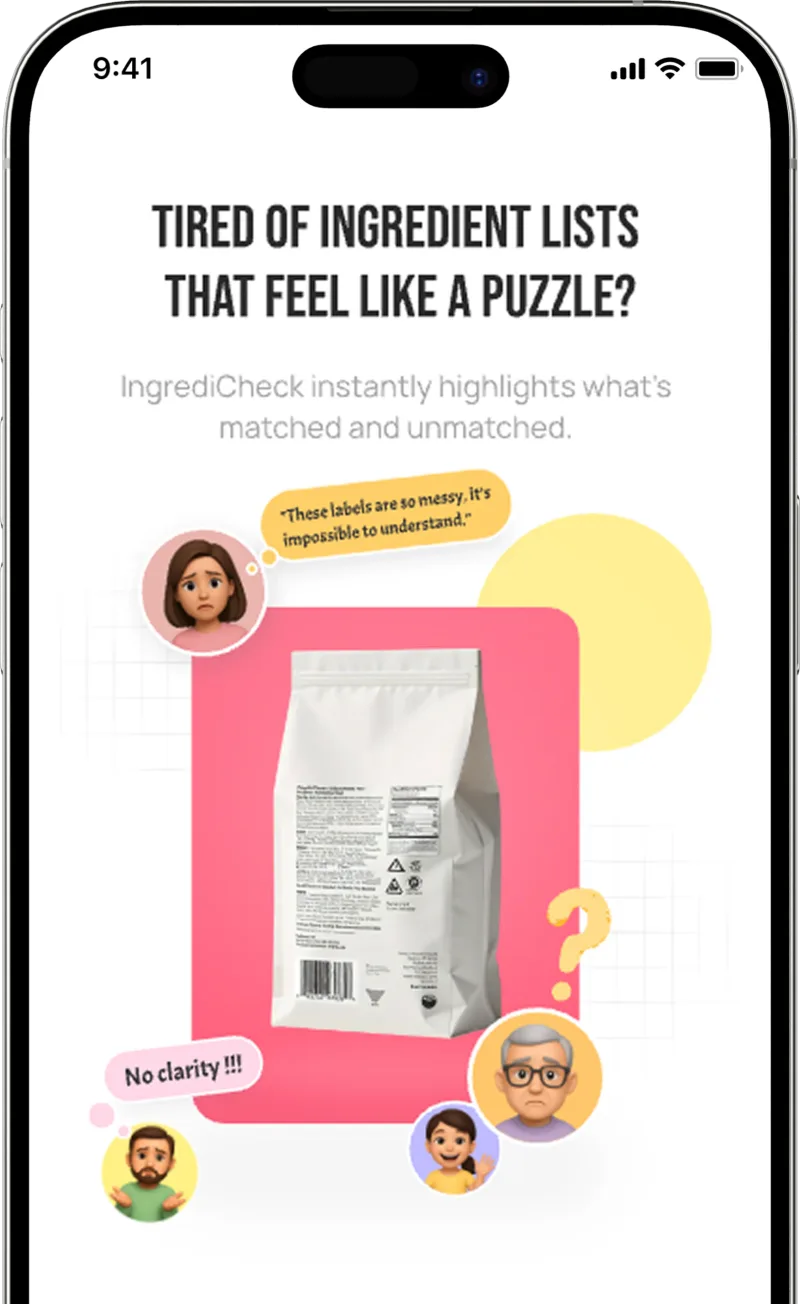
Google Translate and an ingredient checker solve different parts of reading a foreign food label. Google Translate helps turn unfamiliar text into words you can read. An ingredient checker helps compare the available label information with allergies, diets, or avoid rules you already saved.

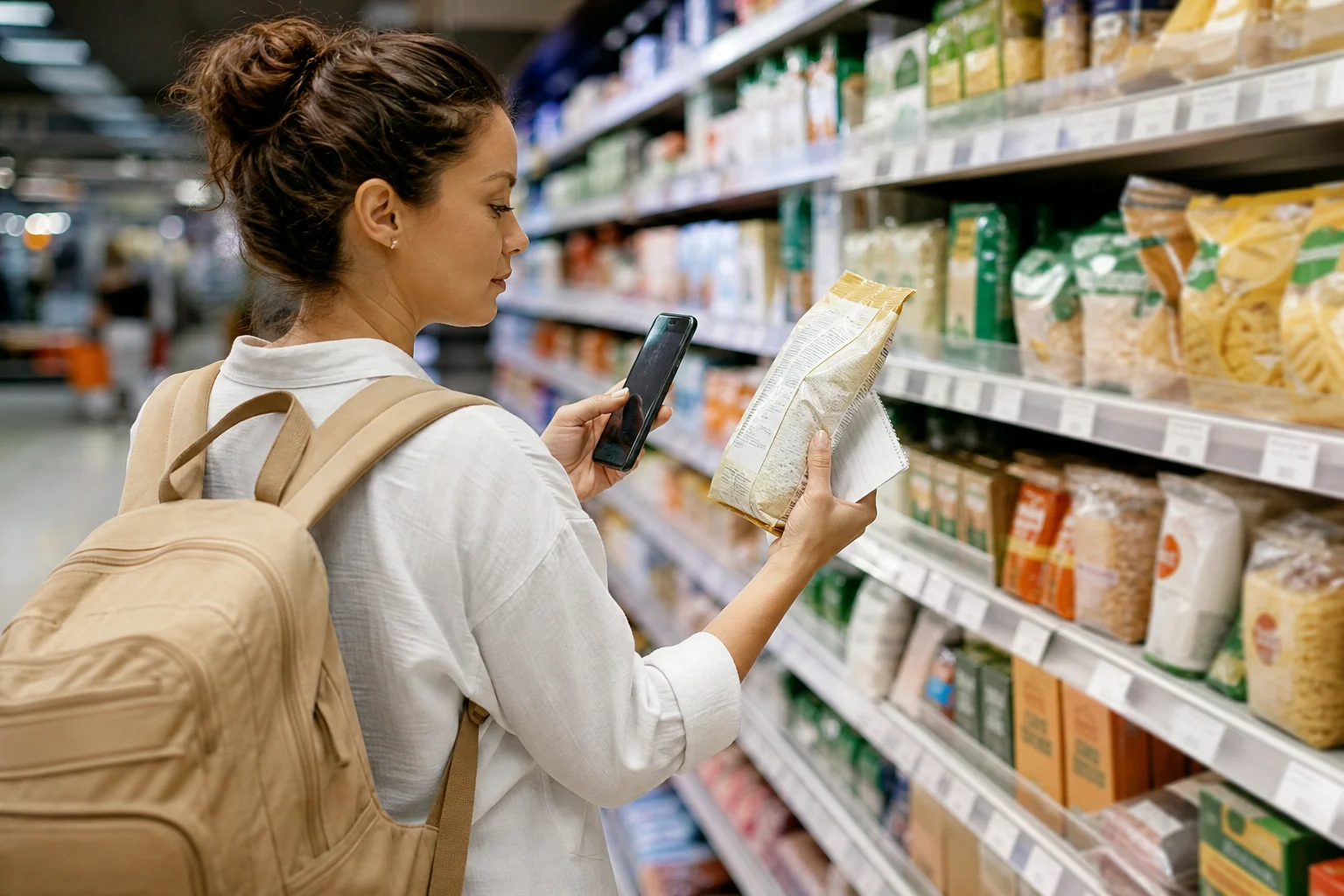
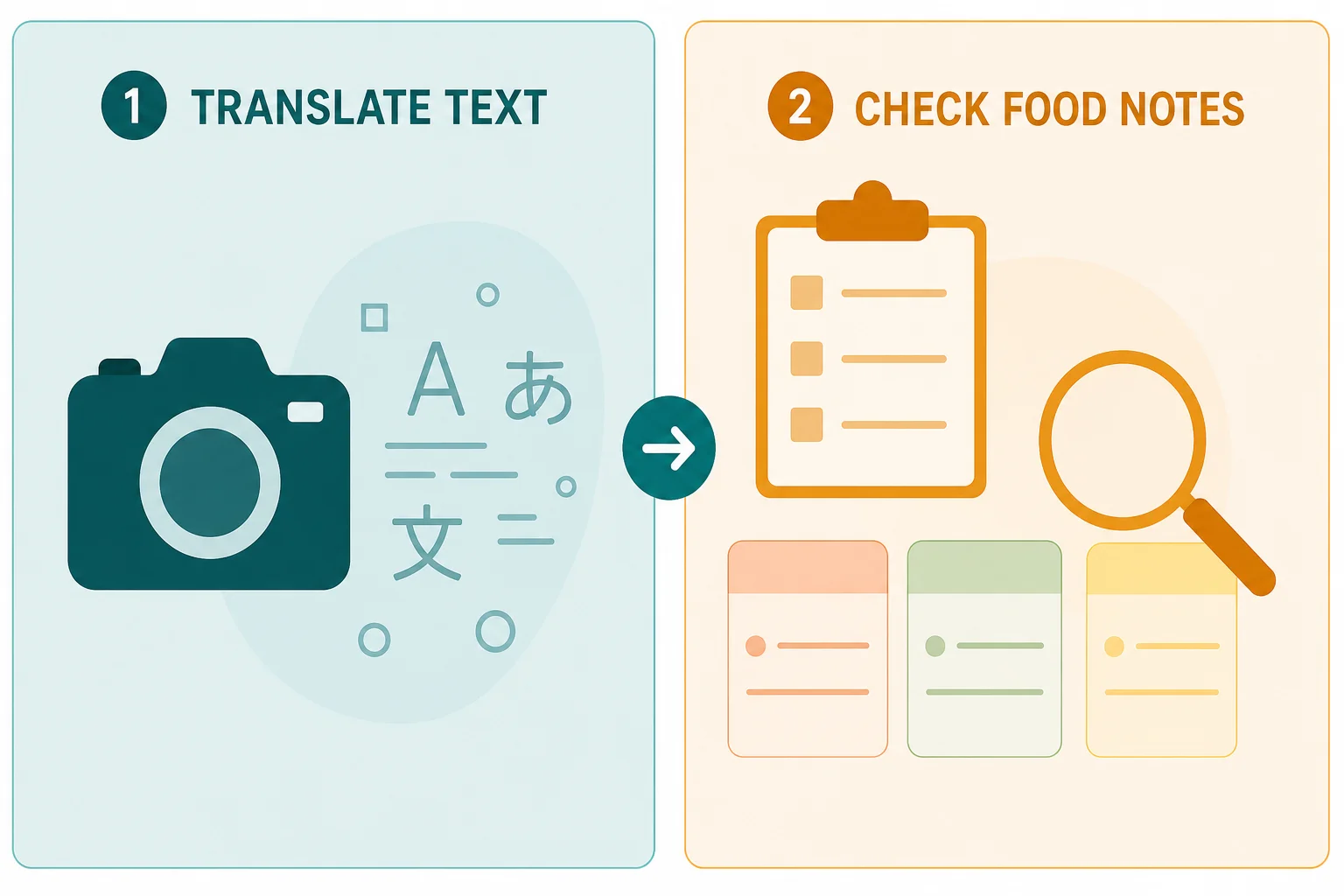
For a traveler standing in a supermarket aisle, the practical answer is often to use both jobs in sequence: capture the complete package, understand the text, check it against your own Food Notes, and verify the physical label before buying. Neither tool can prove that a food is safe.

If your main need is personalized packaged-food review abroad, start with the travel food label checker. This comparison explains where a literal camera translator still helps and where a saved-rule checker adds a different layer.
Short Answer: Different Tools for Different Jobs

Choose Google Translate when your immediate question is, "What does this text say?" Its camera and image features can translate visible text, let you select part of an image, and make translated text available for copying or further searching.

Choose a personalized ingredient checker when your question is, "How does this declared label fit the Food Notes I saved?" That job requires more than substituting English words. It requires connecting the available ingredient information to a particular person's allergy, diet, intolerance, or preference and showing why the result is Matched, Unmatched, or Uncertain.

This is not a hands-on performance ranking. We reviewed official Google support pages, current IngrediCheck product pages and store listings, and food-label guidance on July 27, 2026. We compared published workflows and stated limits. We did not run Google Translate and IngrediCheck against a shared accuracy benchmark, measure translation quality, or test medical outcomes.

What We Compared

Audience

This guide is for travelers buying packaged food in a country where they do not confidently read the local label language. It is especially relevant when a household already has defined Food Notes, such as avoiding milk, sesame, gluten clues, animal-derived ingredients, specific additives, or several rules across family profiles.

Criteria

We compared eight observable jobs:

  1. literal text translation
  2. full-label capture
  3. comparison with saved personal rules
  4. recognition of aliases and additive codes
  5. handling of precautionary statements
  6. visible uncertainty
  7. connectivity requirements
  8. inspectable reasons for a result

Published capabilities are facts attributed to each provider. Statements about which job each tool fits best are editorial judgments based on those published capabilities.

Google Translate vs an Ingredient Checker

Google Translate vs an Ingredient Checker
Decision pointGoogle TranslatePersonalized ingredient checker
Primary jobTranslate visible text between languagesCompare available label information with saved Food Notes
InputLive camera view or an existing imageBarcode or ingredient-label photo
Personal rulesDoes not turn a translation into a household suitability profileApplies saved allergies, diets, preferences, and avoid rules
OutputTranslated text or translated imageMatched, Unmatched, or Uncertain result with reasons
Weak-photo handlingGoogle warns that small, unclear, or stylized text may be less accurateAn incomplete or unreadable label should lead to manual review or uncertainty
ConnectivityGoogle recommends a strong network connection for best image-translation resultsNew photo uploads and analysis require a network connection
What it cannot proveThat the translation captured every relevant label detail or that the product fits a personThat the package is complete, cross-contact is absent, or the product is medically safe

The key distinction is the unit of work. Google Translate works on text. A personalized checker works on a relationship between label information and a user's saved rules.

Where Google Translate Is the Better Tool

Google Translate is useful when you need flexible language help beyond the ingredient list. A package can contain preparation instructions, storage directions, product claims, manufacturer details, warnings, or certification text that matters to your decision. A general camera translator lets you inspect those areas without forcing them into an ingredient-checking workflow.

It is also helpful for spot questions:

  • What is the product name?
  • Does this panel contain a storage instruction?
  • What does the front-of-pack claim mean?
  • Which line is the ingredient heading?
  • Is there a separate warning or preparation note?

Google's official image-translation guidance includes an important limitation. Translation accuracy depends on the clarity of the text, and small, unclear, or stylized text may not be translated correctly. That limitation matters on curved jars, glossy packets, folded wrappers, and dense ingredient panels.

Use the legitimate strength of a general translator: broad text access. Do not quietly turn that strength into a suitability verdict it was not designed to provide.

Where a Personalized Ingredient Checker Adds Value

A literal English rendering still leaves the shopper with a second task. You must decide whether the label conflicts with the rules that matter to you.

The IngrediCheck product facts describe that workflow as a barcode or ingredient-label check against saved Food Notes, including separate profiles for family members. The result vocabulary is Matched, Unmatched, or Uncertain, with an explanation of the rule or ingredient that shaped the result.

That can reduce repeated mental comparison. A family might save "avoid milk and sesame" for one person, "vegetarian, flag source-dependent additives" for another, and "low sodium preference" for a third. The same package can then be reviewed against each profile instead of receiving one universal health score.

The travel limitation must stay visible. IngrediCheck can recognize some non-English labels and provide an English suitability explanation, but the displayed ingredient list is not consistently translated into English. It can retain the original language, and behavior can vary by label and platform. This is a foreign-label checking aid, not a promise that every panel will become a complete English transcript.

Why Translating Words Is Not the Same as Reading a Food Label

Food labels are structured documents, not ordinary paragraphs. The same visible package may contain:

  • an ingredient list in descending order
  • sub-ingredients inside parentheses
  • an allergen declaration
  • precautionary wording such as "may contain"
  • additive names or E/INS numbers
  • front-of-pack claims
  • certification marks
  • preparation or storage instructions

Rules also differ by market. EU guidance requires allergens to be emphasized in the ingredient list, while the U.S. framework requires major allergen sources to be declared through specified ingredient or "Contains" wording. A traveler should not assume that the formatting habit from home will appear in the same way abroad.

Precautionary statements are another separate layer. The UK Food Standards Agency explains that precautionary allergen labelling is used for possible unintended allergen presence. Translating "may contain" accurately does not decide what that warning means for a particular person's allergy plan.

The Full-Label Capture Problem

The Full-Label Capture Problem

The most common workflow error is translating the easiest visible section rather than capturing the complete decision surface.

A shopper may photograph the main ingredient list but miss:

  • a second panel around the fold
  • an allergen statement below the ingredients
  • a sticker covering local importer information
  • a sub-ingredient list in smaller type
  • a warning printed near the seal
  • a different formula on the package than the online record

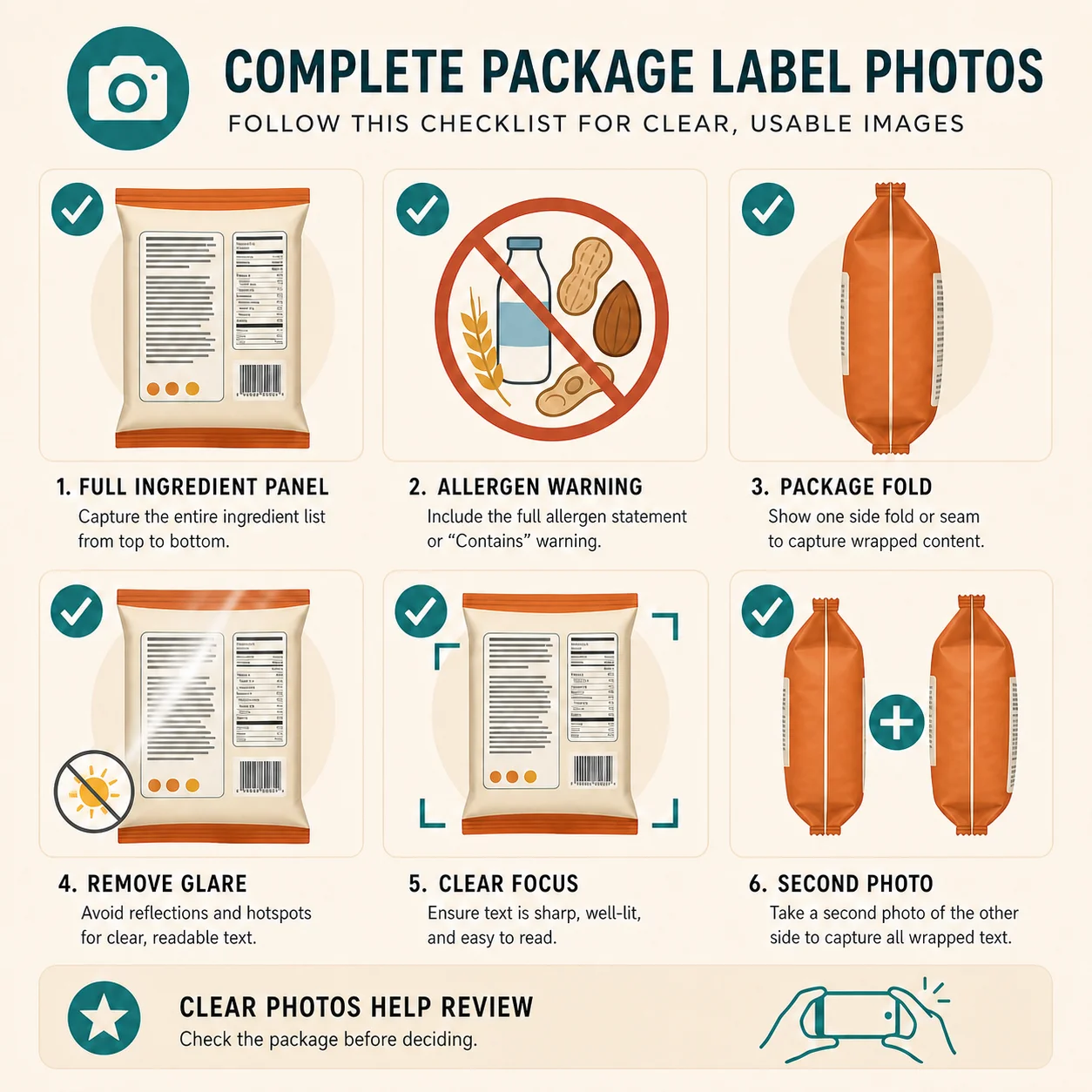
A stronger capture routine is simple:

  1. Check the front, back, and side panels before taking a photo.
  2. Flatten flexible packaging where possible.
  3. Move the package until glare no longer covers the text.
  4. Include the ingredient heading, complete list, and nearby warning language.
  5. Take a second image if the panel wraps around the container.
  6. Compare the output with the package before acting.

This routine helps either tool because both depend on visible input. It also makes uncertainty useful. If the complete text is not available, the honest output is "I cannot tell yet," not a confident green light.

Aliases, Additive Codes, and Source-Dependent Ingredients

Translation can make an ingredient name readable without resolving what it means for a personal rule. Three examples show why:

Ingredient aliases

A milk-derived ingredient may not be written as the everyday word "milk." A sesame rule may need to consider terms such as tahini. A gluten-related check may need to distinguish wheat declarations from barley, rye, malt, or local certification language.

Additive codes

European E numbers and international INS numbers are compact identifiers. Translating the surrounding sentence may preserve the code exactly, which is useful, but the shopper still needs to look up what the code represents. The E-number glossary is the better place for that lookup.

Source-dependent ingredients

Some additives can come from more than one source. A translated label that says "mono- and diglycerides" may still not reveal whether the source fits a vegetarian, vegan, halal, or other rule. A checker should not turn missing source information into a confident match. The label-name glossary can help with aliases, but manufacturer or certifier confirmation may still be needed.

Connectivity and Failure Planning

Travel tools need a plan for weak connectivity. Google recommends a strong network connection for the best image-translation results. IngrediCheck requires a network connection for new label-photo uploads, live analysis, account syncing, and new lookups. Previously loaded scan information may remain in the device cache, but that is not the same as offline analysis of a new package.

Before a trip:

  • save your Food Notes and family profiles
  • download any language resources your translation workflow supports
  • keep a written list of critical allergen names
  • carry an allergy or emergency card when medically relevant
  • plan what "do not buy" looks like when a tool cannot complete the task

A failed request should slow the decision down. It should not lower the evidence threshold.

A Practical Two-Tool Workflow

When the label language is unfamiliar, use this order:

  1. Inspect the current package. Do not start with an old product image or a listing from another country.
  2. Capture the complete label. Photograph every panel needed to understand ingredients and warnings.
  3. Translate unfamiliar context. Use Google Translate for broad text access, including instructions or claims outside the ingredient list.
  4. Compare with saved rules. Use a personalized checker for the Food Notes and family profiles you already defined.
  5. Review the reason. Look for the specific ingredient, alias, warning, or uncertainty that shaped the result.
  6. Verify before buying. Read the package, check certification where relevant, and contact the manufacturer when sourcing or cross-contact controls the decision.

For diagnosed allergies, keep this workflow separate from an emergency plan and clinical guidance. A phone tool supports shopping. It does not treat a reaction or establish an acceptable risk threshold.

Bottom Line

Google Translate is the better general-purpose tool for turning visible foreign-language text into words you can read. A personalized ingredient checker is the better fit for comparing available packaged-food information with saved household rules. The tools overlap at the camera, but their decisions are different.

Keep the original package in the loop, treat incomplete input as uncertainty, and do not let either tool imply medical certainty. IngrediCheck supports the personalized part of that travel workflow by checking available label information against your Food Notes and explaining what matched, conflicted, or still needs review.

Frequently Asked Questions

Can Google Translate translate a foreign food label?

Google Translate can translate text captured through its camera or an image, but Google warns that small, unclear, or stylized text may be translated less accurately. Capture the complete label and compare the result with the package.

Is an ingredient checker the same as a translation app?

No. A translation app converts text between languages. An ingredient checker can compare available label information with saved allergies, diets, or avoid rules and explain which ingredient or rule affected the result.

Which tool is better for food allergies abroad?

They solve different parts of the task. Translation helps you read unfamiliar words. A personalized checker helps organize declared label information against saved rules. Neither proves that a product is safe or detects undeclared cross-contact.

Does IngrediCheck translate every ingredient list into English?

No. Label-photo analysis can recognize some non-English labels and provide an English suitability explanation, but the displayed ingredient list may retain its original language or vary by label and platform.

Can IngrediCheck analyze a new label photo offline?

No. New label-photo uploads and analysis require a network connection. Previously loaded information may remain available in the device cache, but travelers should not treat that as offline analysis.

Next Label Check

Follow the scanner, hub, and ingredient paths connected to this guide

Get the app for clearer label decisions.

Scan labels, see what fits your food notes, and read the why in plain English.

IngrediCheck app