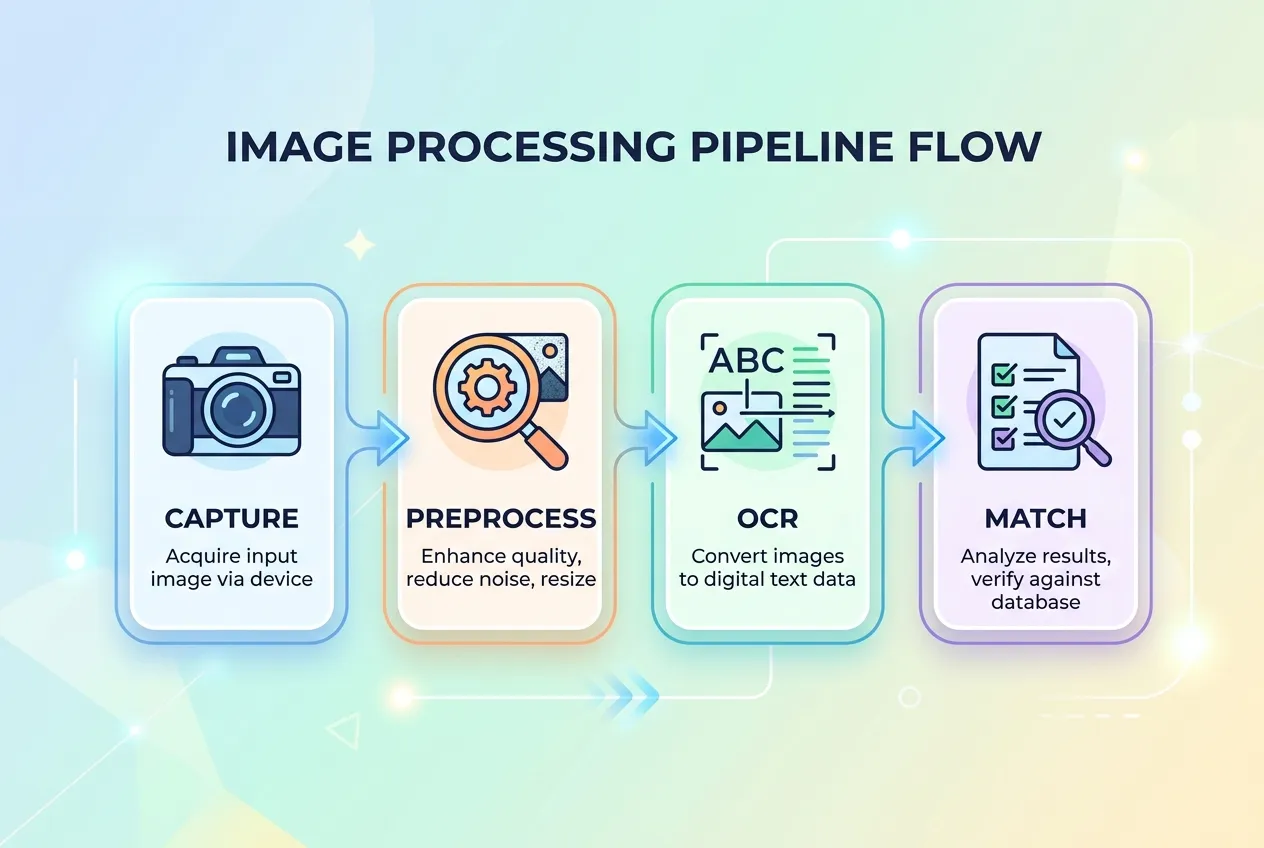
When you point a phone at an ingredient list, four things have to happen in roughly two seconds.
Step 1: Capture
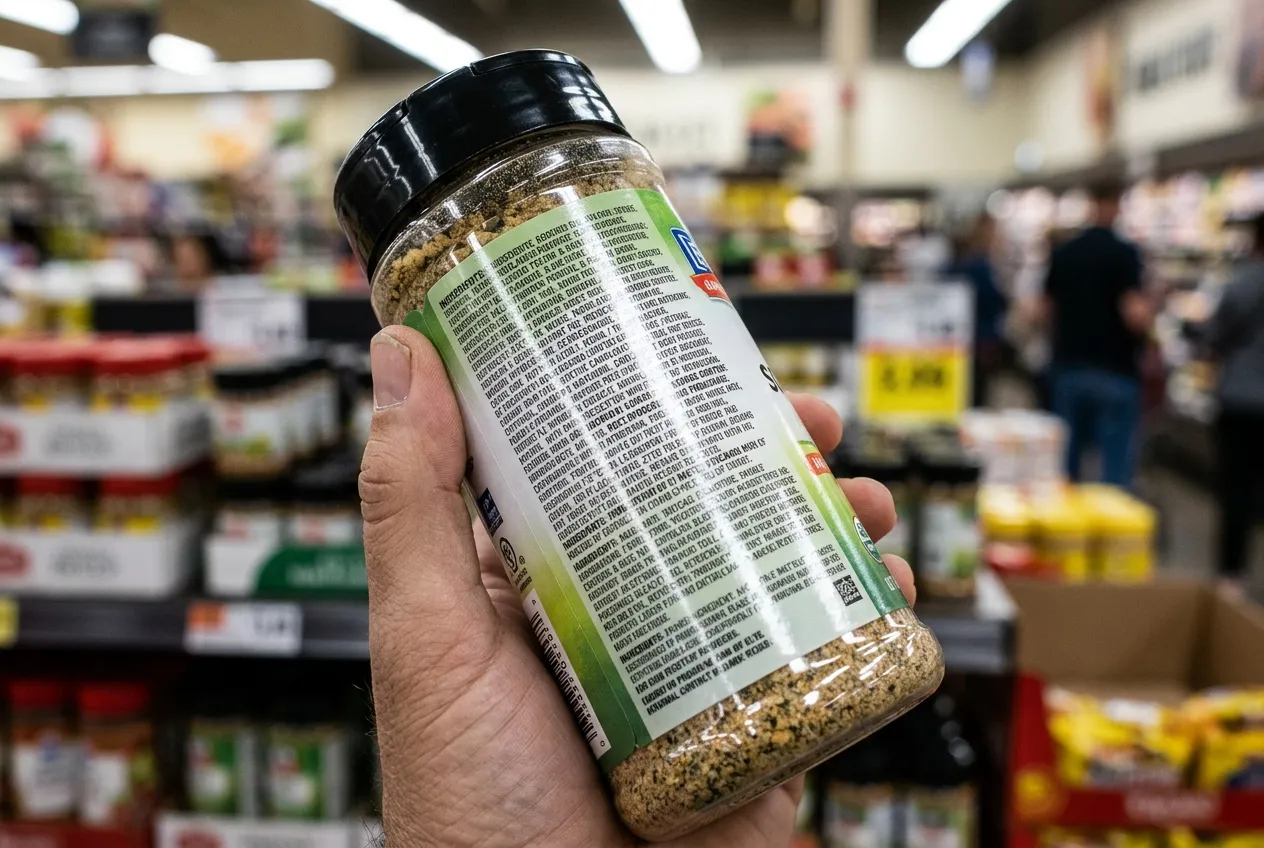
The camera takes a frame. Real-world frames are messy. Glare from store lighting, motion blur from a hand that is not perfectly still, a curved package surface, low contrast between text and background, and small font sizes all reduce the quality of what the OCR engine has to work with.
Step 2: Preprocess
Before any text recognition happens, the image goes through cleanup. Typical steps include grayscale conversion, contrast enhancement, deskewing (correcting for tilt), denoising, and binarization (converting to clean black-on-white). Bounding box detection isolates the ingredient panel from the rest of the package so the OCR engine does not waste time on the brand name or the cooking instructions.
This is the step that quietly determines accuracy. A 2024 academic study on machine vision for product labels described preprocessing as the dominant factor in real-world OCR success, more than the choice of OCR engine itself.
Step 3: OCR
The cleaned image is fed to a recognition engine. Several engines are widely used:
- Tesseract. Open source, the de facto baseline. The Tesseract project reports 99 percent character accuracy on clean documents and supports more than 100 languages.
- PaddleOCR and EasyOCR. Newer deep-learning-based engines that handle curved text and unusual fonts better than classical Tesseract.
- TrOCR. A transformer-based engine published by Microsoft Research that performs particularly well on noisy, low-resolution images.
A 2025 evaluation paper on arXiv compared these four open-source OCR systems on real food packaging images. The headline finding: accuracy on clean documents is misleading. Once you move to real packaging, with reflective foils, curved surfaces, and condensation from a chilled product, even the best engines see meaningful error rates. Modern apps work around this by running multiple frames through the engine and picking the most confident result.
Step 4: Parse and match
Raw text is not enough. The app has to understand structure. "INGREDIENTS:" marks the start. "CONTAINS:" marks the allergen statement. "MAY CONTAIN" introduces a precautionary line. Commas separate ingredients, but parentheses introduce sub-ingredients. The parser tokenizes this into a clean list, then matches it against a database of known additives, allergens, and the user's personal health profile.
This is also where ingredient synonyms become critical. "Sodium caseinate" is dairy. "Whey protein hydrolysate" is dairy. "Lactalbumin" is dairy. A naive string match misses all three. A well-built parser carries thousands of synonym mappings so that any of those tokens triggers the dairy flag.