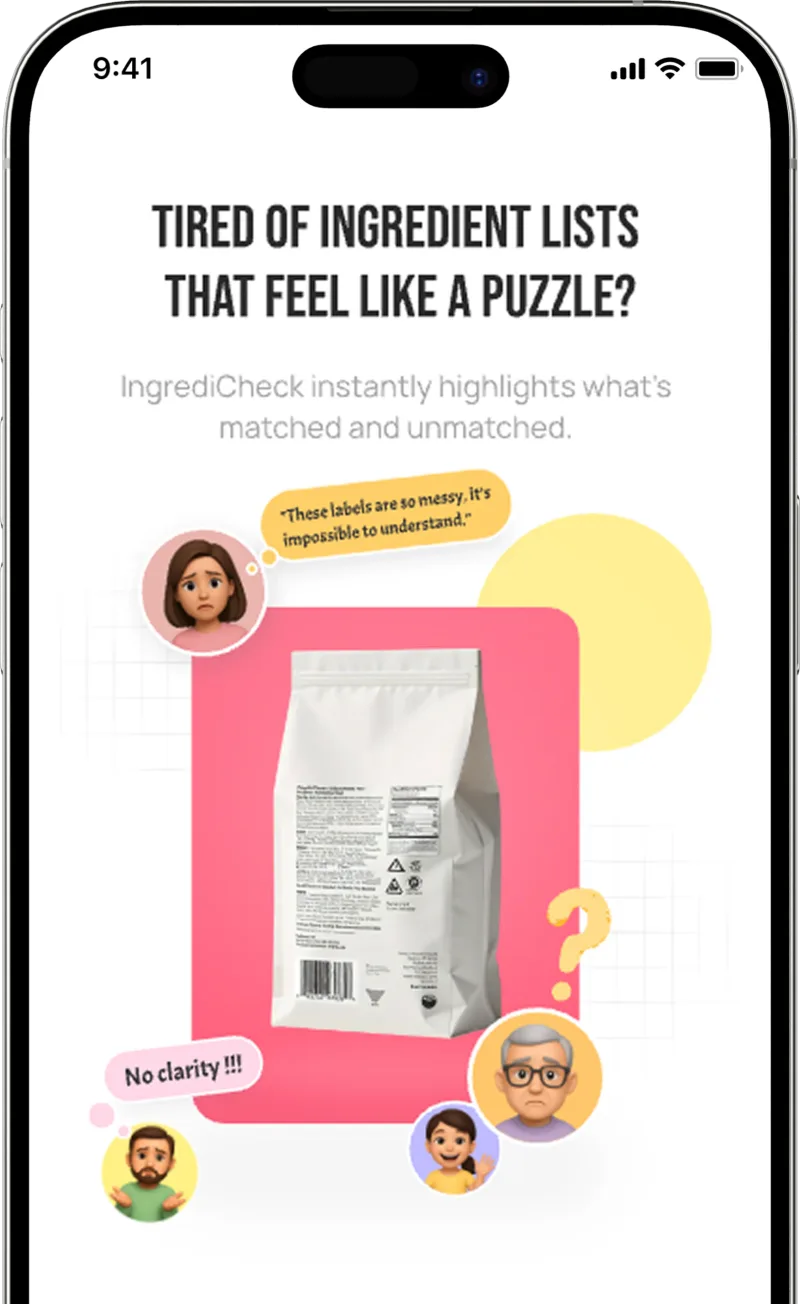
Ingredient and Contains lines
Read the full ingredient list and the Contains statement together. The shorter allergen statement is useful, but it should not replace review of derivatives, compound ingredients, and the complete label.
Food allergy shopping needs speed without losing the details. IngrediCheck works as a food allergen scanner for families who need to review major allergens, less obvious ingredient clues, precautionary statements, and profile-specific rules that can change from one person to another.
Quick answer
A food allergy scanner should compare one label with each person's saved allergens, separate ingredients from precautionary statements, and explain every match. IngrediCheck supports that review, but no scan can certify a food safe or replace an emergency plan, allergist advice, or manufacturer confirmation.
What It Catches
Workflow
Read the label
Read the full ingredient list and the Contains statement together. The shorter allergen statement is useful, but it should not replace review of derivatives, compound ingredients, and the complete label.
May contain, shared equipment, and facility statements describe different voluntary signals. Keep them separate from direct ingredients so each household can apply the risk rule agreed with its clinician.
Peanut, tree nut, milk, egg, soy, wheat, sesame, fish, and shellfish rules may differ between family members. A useful result preserves those differences instead of collapsing them into one universal grade.
Decision boundary
IngrediCheck can surface declared label terms and explain which saved rule they matched. It cannot detect cross-contact that is not disclosed, predict reaction severity, verify a factory, or decide whether precautionary language is acceptable. Follow the person's clinician-approved plan and recheck every reformulated package carefully.
Detailed label guide
A food allergy scanner works best when the saved profile is specific before the first barcode or label photo is scanned. Record each person's allergens separately, including the exact foods and derivatives their clinician has told them to avoid. A household may need one profile for peanut and tree nuts, another for milk and egg, and a third that combines wheat, soy, or sesame with a dietary preference. Keeping those rules separate lets the same package produce an explained result for each person instead of one vague household score.
Start every check with the current package. Scan the barcode when it resolves to the exact product and size, or capture the complete ingredient panel and allergen statement when the barcode record is missing, old, or unclear. Confirm the flavor, package size, country, and manufacturer because products that share a brand name can use different ingredients. A purchase history is convenient for finding a product again, but it is not evidence that today's formula matches the last one you reviewed.
Treat the scanner as an ingredient allergen analysis tool for shoppers, not manufacturing allergen-labeling software or a laboratory detector. IngrediCheck compares declared package text with the rules you saved and explains the matched terms. It does not create compliant labels for a business, detect allergen protein in food, monitor recalls in real time, or certify a product allergen-free. That boundary matters when comparing consumer allergy apps with restaurant, factory, or food-safety systems.
Decide in advance what each result means. A direct match should stop the routine purchase and show the ingredient that triggered the rule. An ambiguous derivative or incomplete panel should remain unresolved until the missing source or label is confirmed. A result with no declared match means only that the available text did not match the saved profile; it is not a guarantee about cross-contact, an undeclared ingredient, or future reformulation. This shared vocabulary helps every caregiver apply the same evidence without overstating what the scan proved.
First read the complete ingredient list, including sub-ingredients inside parentheses. Then review the Contains statement as a second layer. In the United States, packaged foods regulated by FDA must identify the major allergens milk, egg, fish, crustacean shellfish, tree nuts, peanuts, wheat, soybeans, and sesame when the law applies. The Contains line is a useful summary, but it does not replace the ingredient list, and labels outside that system can use different regulated allergen lists and wording.
Search ingredient families rather than one familiar name. Milk can appear through casein, whey, milk protein, or butter-derived terms; egg through albumin or lysozyme; soy through protein ingredients and some derivatives; and wheat through flour, semolina, spelt, or compound ingredients. Fish, crustacean shellfish, and tree nuts should identify the relevant species or nut under applicable labeling rules. Show the exact matched term so the shopper can distinguish a direct ingredient conflict from a broader clue that still needs review.
Product type does not settle the question. Cereal, snack bars, sauces, frozen meals, seasoning powders, candy, bakery products, and baby foods can combine several allergen families or change formulas between flavors. Scan the exact item, compare the ingredient and Contains lines, and inspect the full sub-ingredient list. If the package is damaged, the panel is unreadable, or an online listing omits the current allergen statement, use the manufacturer's exact product page or contact channel before buying rather than inferring from a similar item.
Precautionary phrases such as may contain, made on shared equipment, or produced in a facility with describe possible cross-contact rather than an intentionally added ingredient. In the United States, this wording is generally voluntary and is not standardized into a reliable hierarchy of risk. Do not interpret the absence of a precautionary statement as proof that cross-contact is impossible, and do not silently treat every phrase as equivalent. Preserve the exact wording so each person can apply the plan agreed with their allergist.
A barcode database can only repeat information that was captured for a product; it cannot see an undeclared allergen, a factory change, or contamination introduced after the label was printed. Rescan after reformulation and compare the physical package with any digital record. For severe allergies, uncertain manufacturing details, imports, or a product with inconsistent online information, manufacturer confirmation and the person's emergency action plan remain more authoritative than a green-looking app result.
The same limit applies to restaurant and menu scanners. A menu can help identify declared ingredients or frame a focused question, but it may omit recipes, substitutions, shared fryers, utensils, or preparation surfaces. IngrediCheck is designed primarily for packaged-food barcode and ingredient-label review; it does not certify restaurant dishes or tag front-of-house menu items in real time. Use restaurant staff and the establishment's current allergen process for those decisions.
When comparing an allergen scanner, allergy checker app, or another food scanner, ask what evidence the result uses. Useful tools show the matched ingredient, support more than one saved profile, distinguish direct ingredients from precautionary text, and leave uncertainty visible. A broad product score or unexplained safe label is less useful for allergy decisions. IngrediCheck is free to download on iOS and Android, with a first scan free during onboarding. Further scanning requires Pro through Day Pass, Monthly, or Lifetime.
Use the same profile to compare two candidate products. Review direct conflicts first, then precautionary statements, ambiguous derivatives, serving and flavor differences, and the freshness of the record. A cereal with a shorter ingredient list is not automatically a better allergy choice, and a free-from claim may cover only the named allergen. Prefer the product whose current package gives enough evidence for the person's plan, and keep unresolved products out of the approved list until the missing information is confirmed.
Some foods sit beyond what a packaged-food scanner can establish. Cottage foods, farmers-market items, restaurant dishes, unpackaged bakery goods, and imported products may have incomplete or differently regulated declarations. Ask focused questions about ingredients and cross-contact, save the answer only for that exact product and seller, and recheck when anything changes. The goal is faster, more consistent label review—not replacing the clinician, manufacturer, restaurant, or emergency safeguards that answer questions the printed label cannot.
Related Scanner Paths
Peanut-Free Ingredient Checker App
Scan labels for peanut ingredients, cross-contact clues, snack risks, and family allergy rules with IngrediCheck's peanut-free checker.
Soy-Free Ingredient Checker
Use IngrediCheck's soy-free scanner workflow to review soy ingredients, soy lecithin, hidden derivatives, and related label-reading guides.
AIP Ingredient Checker App
Scan packaged foods against AIP-style saved rules for grains, legumes, dairy, nightshades, seeds, and additives with IngrediCheck.
Gluten
Gluten is the protein network that gives wheat-based dough elasticity, chew, and structure. It matters to label readers because avoiding gluten is not just about bread; it is about derivatives, cross-contact, and reformulation drift across packaged foods.
Lecithin
Lecithin is a broad label term for phospholipid-rich emulsifiers used in chocolate, baked goods, dressings, infant foods, and supplements. The source can be soy, sunflower, egg, or less commonly animal tissue.
Seed oils
Seed oils are common edible oils used in cooking, frying, dressings, sauces, and packaged foods. They are controversial mostly because internet claims treat a broad class of oils as one ingredient with one health outcome.
Label Clues
protein
Gluten: what it does in food, current safety notes, diet compatibility, and shopper guidance from IngrediCheck.
emulsifier
Lecithin: what it does in food, current safety notes, diet compatibility, and shopper guidance from IngrediCheck.
additive
Seed oils: what it does in food, current safety notes, diet compatibility, and shopper guidance from IngrediCheck.
Related Guides

Apr 13, 2026 | 8 min read
A food allergy scanner app or food allergen checker helps families catch allergens, ingredient derivatives, and label risks faster than manual label reading. Here's what to look for and how IngrediCheck works.

Apr 21, 2026 | 8 min read
A practical guide to checking packaged foods against your own allergies, diets, and ingredient preferences, instead of relying on a generic food score.

Apr 29, 2026 | 10 min read
Cottage food labels can look informal, but allergen information still matters. Learn how state rules, FDA Big 9 allergens, and retail label checks fit together.
May 11, 2026 | 10 min read
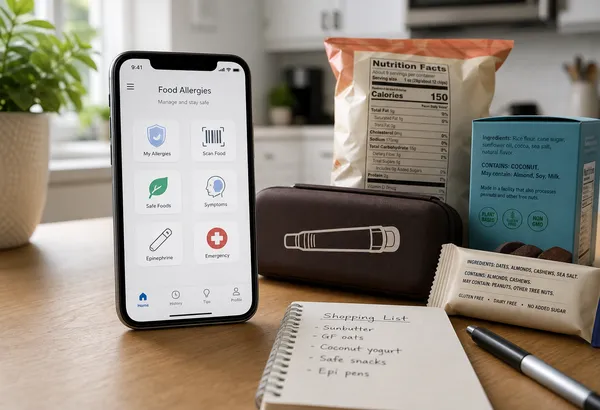
Compare Yuka, Fig, Spoonful, Spokin, and IngrediCheck for food-allergy shopping, including free and paid access, best-fit jobs, and clear practical limits.
FAQ
No. Always read the full allergen statement and ingredient list. IngrediCheck is a faster screening layer that helps surface conflicts and context you may want to review.
IngrediCheck is designed around profile-based checks, so families can compare one product against different avoidance rules instead of using one generic score.
May-contain statements, shared-facility language, ambiguous flavorings, reformulations, and restaurant or cottage-food labels can require extra confirmation.
Scan labels, see what fits your food notes, and read the why in plain English.